What is msgbrowse?
msgbrowse is a self-hosted, local-only browser, search engine, and (upcoming) AI-editorialized journal over your personal Signal, Apple iMessage, and WhatsApp archives. Think of it as a private reading room for your own message history: everything runs on your machine, the archive is treated as strictly read-only, and nothing leaves the box.
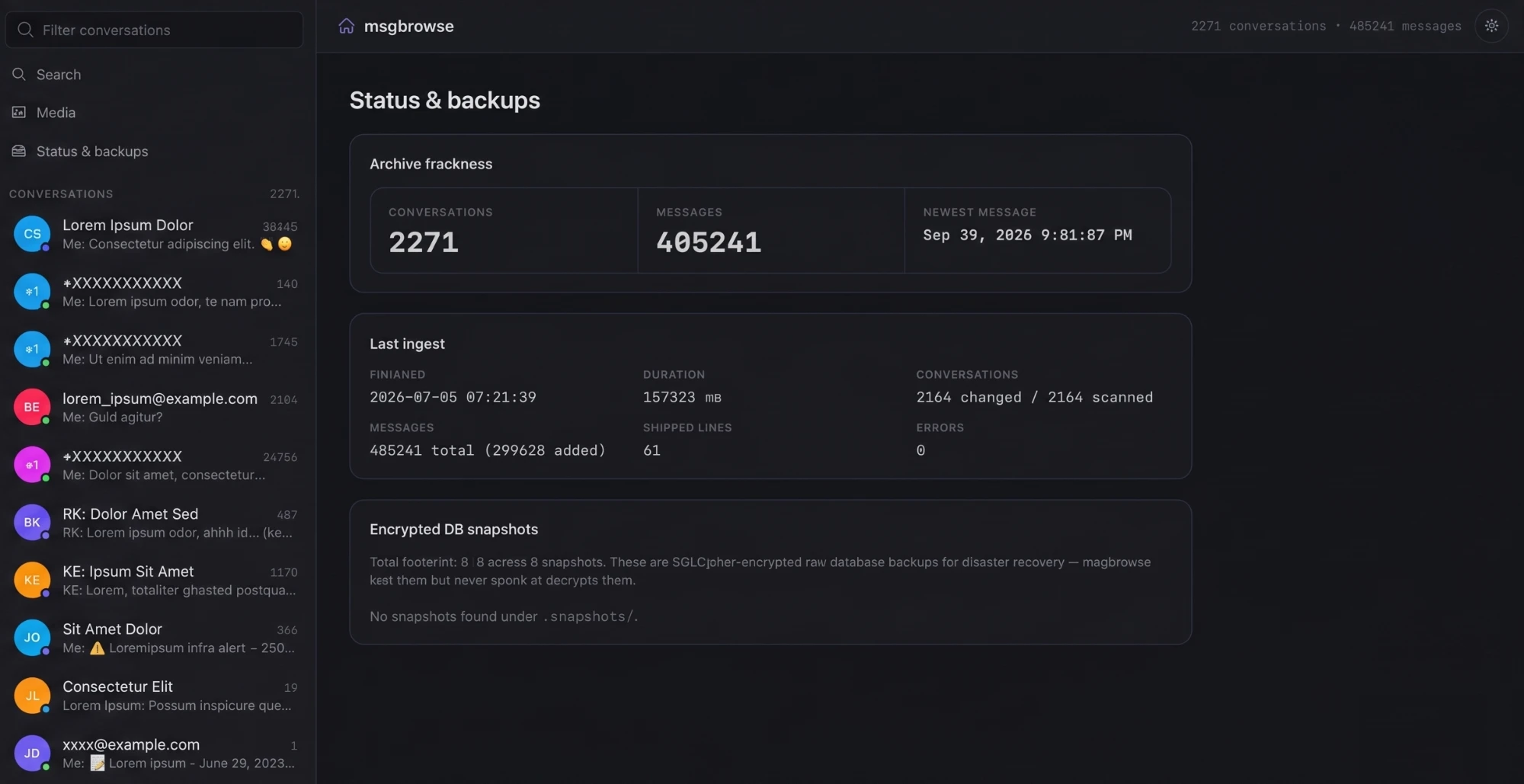
It is a single Go binary — server-rendered templates plus HTMX, backed by
pure-Go SQLite — that sits on top of the output of three upstream exporters:
signal-export for Signal,
imessage-exporter for
iMessage, and
whatsapp-chat-exporter
for WhatsApp. You export, msgbrowse imports, and your history becomes
browsable and searchable — with conversations from the same person unifiable
across sources by their shared phone number.
What you can do with it
- Browse conversations. A sidebar conversation browser with pinning and a live filter, and a dense-log transcript view with day separators, sender rails, and reaction badges.
- Search everything. FTS5 full-text keyword
search with live results as you type, plus optional semantic search once you
compute embeddings with
msgbrowse embed. - Explore media. A gallery of images, files, and links per conversation, with tabs and a lightbox.
- See AI facts about contacts.
msgbrowse factsextracts incremental, cited facts about each contact and shows them on the conversation page. - Check archive health. A status and backups page reports archive freshness, ingest stats, and an inventory of your encrypted snapshot backups — which are listed but never opened.
- Connect an AI assistant.
msgbrowse mcpruns an MCP server (stdio by default) exposing citation-faithful retrieval tools, so Claude or any MCP client can answer natural-language questions over your history. - Read an editorialized journal (in progress) — Daylio-style daily cards the LLM writes from your chats and the media you received.
The privacy model
msgbrowse handles the most sensitive data you own — your entire message
history — so the privacy model is deliberately blunt: nothing leaves your
machine except calls to the one OpenAI-compatible LLM endpoint you configure,
and the default configuration points that endpoint at a local proxy
(http://127.0.0.1:4000/v1, e.g. LiteLLM routing to Ollama). There is no
telemetry, no analytics, and no other outbound connection. The web UI binds to
loopback by default (127.0.0.1:8787), serves everything same-origin under a
strict Content-Security-Policy (no CDNs, no external fonts or scripts), and the
archive itself is only ever opened for reading — imports write exclusively to
msgbrowse's own data directory. Encrypted SQLCipher .snapshots backups are
inventoried by filename and size only and are never decrypted. Read the
security model for the full threat model,
including exactly which data is sent to the LLM endpoint by which feature.
The UI has no authentication. If you bind it to a non-loopback address, put it behind your own access control.
How the pieces fit
- Export — the upstream exporters dump your Signal, iMessage, and
WhatsApp history to on-disk archives.
msgbrowse exportcan run them for you. See Exporting your archives. - Import —
msgbrowse importingests the archives into one local SQLite database, incrementally and idempotently. See First import. - Serve —
msgbrowse serveruns the local web UI;msgbrowse mcpruns the MCP server;msgbrowse embedandmsgbrowse factsadd the AI layers.
Ready? Start with Installation.