Terminal & Prompt
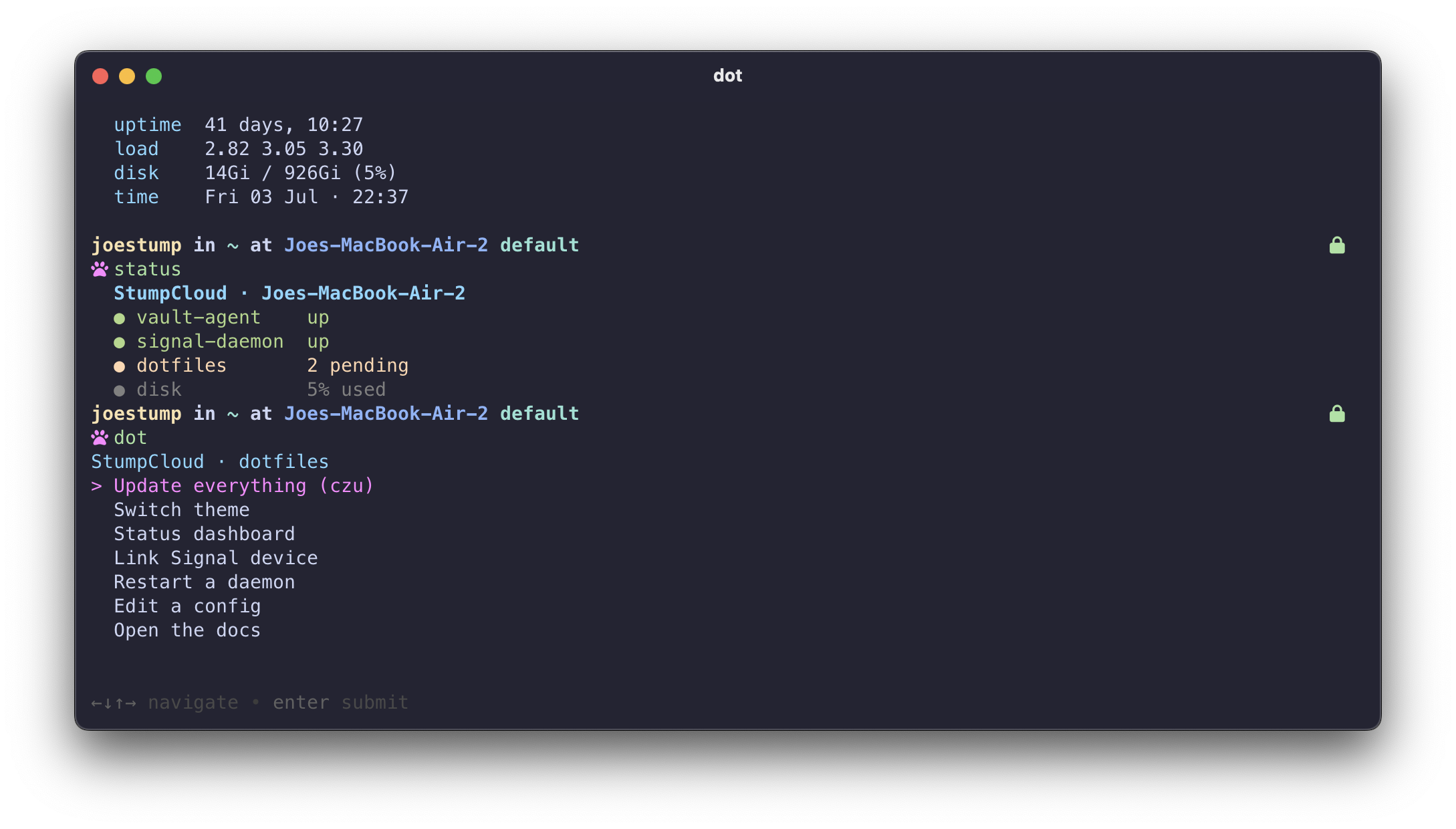
Prompt — spaceship
Two-line spaceship prompt with the hostname always shown (so you know which box you're on), no leading blank line, and a random cute Nerd Font glyph as the prompt character — re-rolled every shell, in pink.
The glyph pool is a variable in ~/.zshrc you can curate:
PROMPT_GLYPHS=(
  $''   # zap
  $''   # star
  $''   # heart
  $''   # paw
  $''   # rocket
  $''   # coffee
)
~/.oh-my-zsh/custom/spaceship.zsh picks one at random.
Swapping the theme
theme # pick from the installed set; reloads the shell
The choice is written to ~/.config/dotfiles/zsh-theme, a local file that is
not chezmoi-managed — so it survives chezmoi apply and can differ per box.
~/.zshrc reads it and falls back to spaceship when it's absent.
Installed via chezmoi externals: spaceship-prompt/spaceship (default),
powerlevel10k/powerlevel10k, quantum-zsh/quantum, comfyline_prompt/comfyline,
plus the OMZ built-in robbyrussell.
Plugins
Thirty-three curated OMZ plugins — git, gh, aws, terraform, kubectl,
kubectx, helm, docker, colorize, git-auto-fetch,
zsh-autosuggestions, zsh-syntax-highlighting, plus zsh-ai (type
# describe a command and hit Enter) and quality-of-life picks like
history-substring-search, sudo, and alias-finder. External plugins clone
via chezmoi externals. Tab accepts the autosuggestion.
eza is added conditionally, only when the binary is present — otherwise
every interactive shell on a Linux box without it would print
"eza not found. Please install eza…".
Full roster, load-order rules, and per-plugin pro tips: Zsh Plugins.
Ghostty
The terminal config (~/.config/ghostty/config) is managed too — MesloLGS Nerd
Font, Catppuccin Mocha, a blinking bar cursor, frosted-glass background, native
tabs, Option-as-Alt, copy-on-select. Reload in-app with ⌘⇧,.
The fonts render via a Nerd Font — set your terminal font to MesloLGS Nerd Font or the glyphs show as tofu boxes.
Installing the Nerd Font
The dot_Brewfile installs it via the font-meslo-lg-nerd-font cask on macOS.
On Linux there's no brew cask, so install it manually into your user font dir:
mkdir -p ~/.local/share/fonts && cd ~/.local/share/fonts
curl -fsSLO https://github.com/ryanoasis/nerd-fonts/releases/latest/download/Meslo.zip
unzip -o Meslo.zip && rm Meslo.zip
fc-cache -f ~/.local/share/fonts
Verify with fc-match "MesloLGS Nerd Font" — it should resolve to
MesloLGSNerdFont-Regular.ttf. Then reload Ghostty.