How it all works
These dotfiles turn a fresh machine into a fully-configured one with one command.
Everything is declarative, backed by self-hosted infrastructure, and the same on
every box. Fork-friendly: change githubUser in .chezmoidata.yaml and point
VAULT_ADDR at your own OpenBao, and the whole setup is yours.
It's a hub-and-spoke model: one macOS hub you author from, any number of Linux spokes provisioned from it.
The pieces
| Layer | Tool | What it does |
|---|---|---|
| Dotfile management | chezmoi | Two checkouts: a production clone chezmoi renders $HOME from, and a workbench you edit. See Editing. |
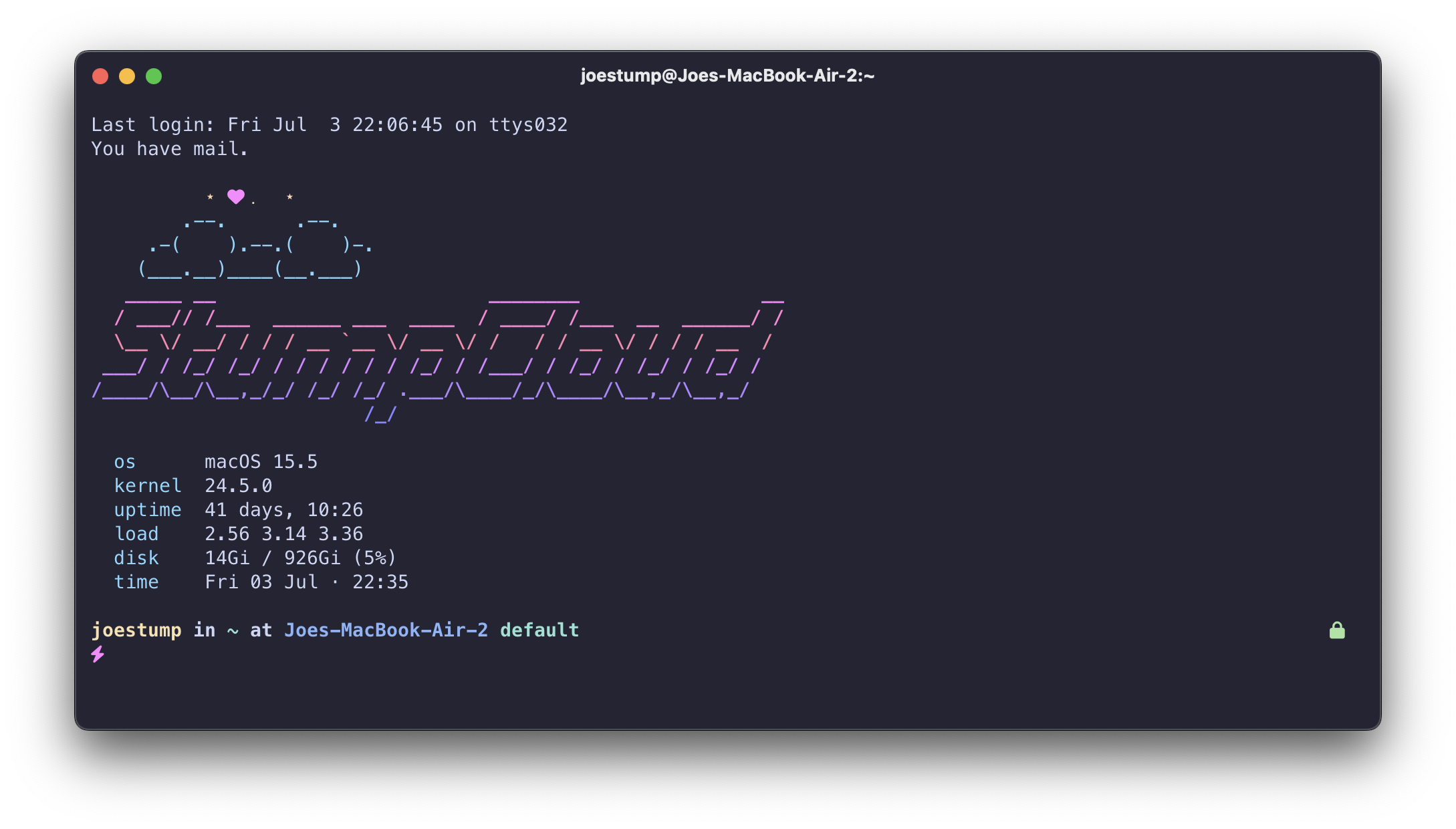
| Shell | Oh My Zsh | Curated plugins, helper functions auto-loaded from $ZSH_CUSTOM, spaceship prompt. |
| Secrets | OpenBao + Vault Agent | A supervised agent renders every secret/users/<you>/* to env files, an AWS credentials file, a .netrc and SSH keys, on a schedule. Nothing secret is committed. |
| Packages | Homebrew (macOS) / apt (Linux) | A Brewfile, an apt list and a Go tools list, installed by run_onchange_ scripts. |
| AI tooling | Claude Code · Claude Desktop · Crush | MCP servers, plugins and agent rules managed declaratively from one source. |
| Agent supervision | harness | A daemon that keeps agent sessions alive, exposes them over SSH, and runs their cron schedules. |
| CI / this site | Gitea Actions + Garage Pages | BATS + lint on every push; this site builds and ships to Garage S3. |
Two kinds of machine
- The Hub (a.k.a. the mothership) — a macOS machine, and it must be macOS: some of the stack (Claude Desktop, the launchd services) has no Linux desktop equivalent. Full setup: Homebrew, the Vault Agent, SSH keys, Claude config, the works. → Install the Hub.
- Spokes — Linux utility nodes you spin up and tear down (
ie01,ie02, …). Lean, apt-based, no Homebrew, provisioned from the hub withczinit. → Install a Spoke.
The golden rule
Edit the workbench (
~/src/dotfiles) — never the live files, and neverchezmoi edit. Branch, PR, merge tomain; thenczuon every box.
chezmoi edit and chezmoi cd open the production clone, which czu resets to
upstream main on every run — so anything written there is discarded, and
anything committed there wedges that machine's sync. The full model, and how to
test a change before it merges, is on Editing.
Secrets are the one thing that never lives in the repo — they come from
OpenBao at runtime. Everything else is reproducible from git.
Where to go next
| If you want to… | Read |
|---|---|
| Set up a machine | The Hub · A Spoke |
| Know what commands exist | Command reference |
| Change something | Editing · Maintenance |
| Understand secrets | Secrets |
| Run agents | Harness · Crush · Claude |
| Know what runs in the background | Services & schedules |